Case Study
Plant Plotter
A garden planning and tracking app for designing layouts, exploring plant guidance, and managing ongoing garden care.
- Year
- 2026
- Role
- Full-stack developer — Independent Continuation
- Next.js
- React
- Tailwind CSS
- Node.js
- Express
- MySQL
- JWT
- Render
- Aiven
- Vercel
- GitHub Actions
Plant Plotter began as a client-focused group project and was later continued independently. I evolved it into a deployed full-stack application, focusing on reliability, security, mobile usability, testing, and polishing the core garden planning and tracking workflows.
01 · Problem
Gardeners need to think about both where plants will grow and how they will be cared for over time. Those tasks are often handled separately, making it difficult to keep a garden layout, plant information, care history, and upcoming work in one place.
02 · Solution
Plant Plotter combines a visual garden planner with a plant library and care tracker. Users can create gardens, arrange plants spatially, review growing and companion information, log completed care, and manage recurring garden tasks from the same application.
03 · Features
- Visual garden planner with plant footprints, placement validation, and row planting
- Plant library with growing information and companion planting guidance
- Care history, recurring tasks, and today/upcoming/overdue views
- Email-verified registration and secure password recovery
- Protected interactive demo account for visitors
- Responsive workflows for desktop and mobile
04 · Screenshots
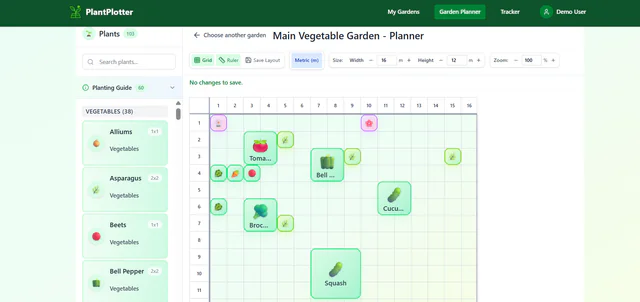
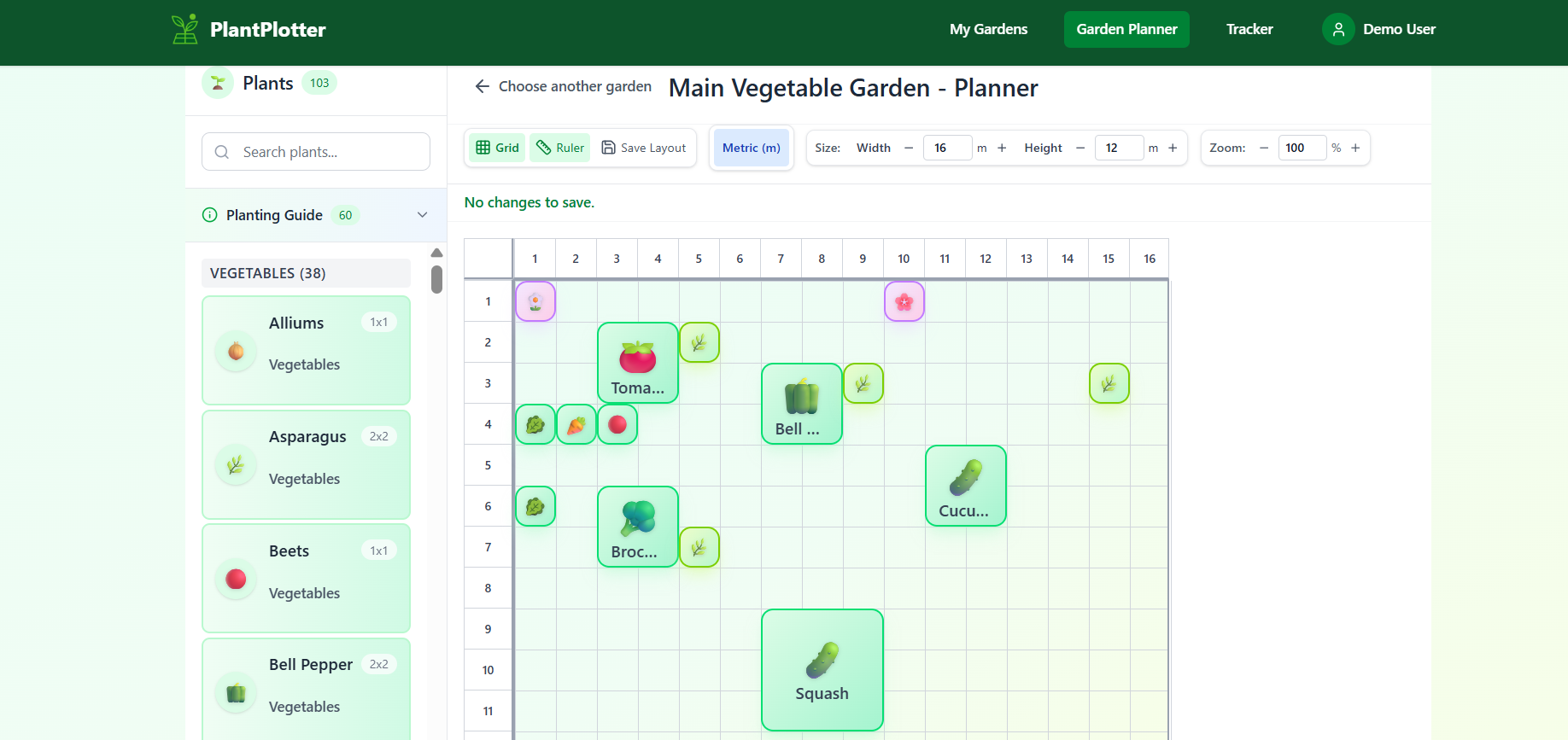
Visual planner: plants placed on a grid that persists to the API. 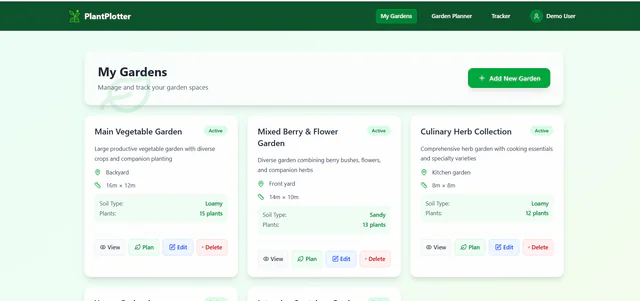
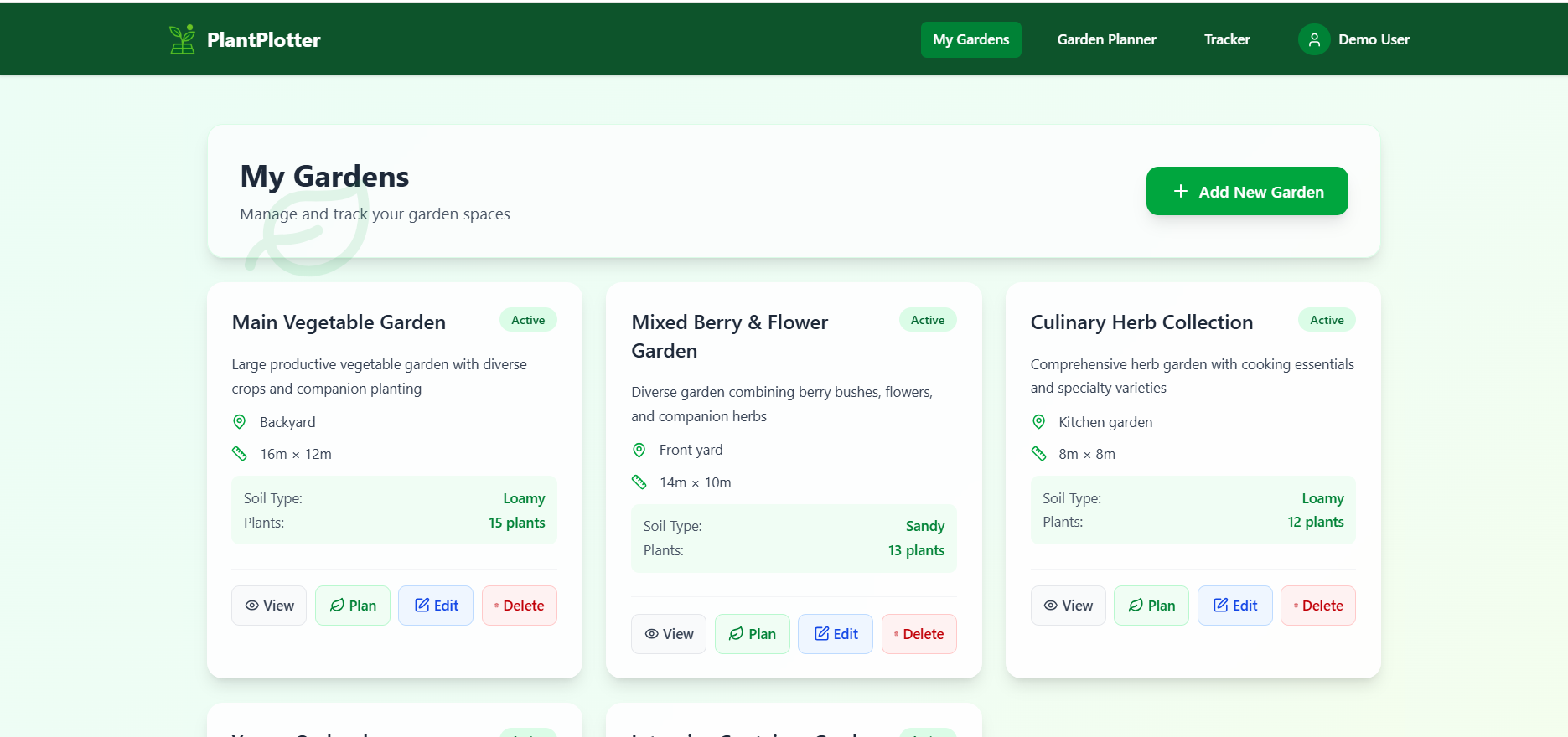
My Gardens: multi-garden dashboard, per user. 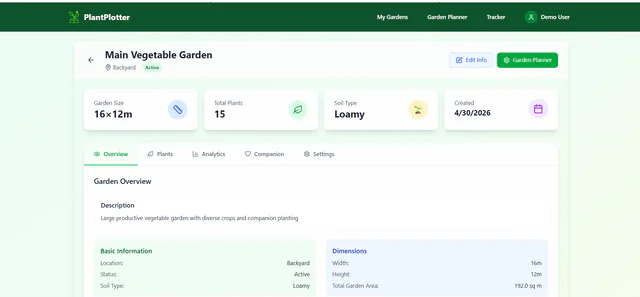
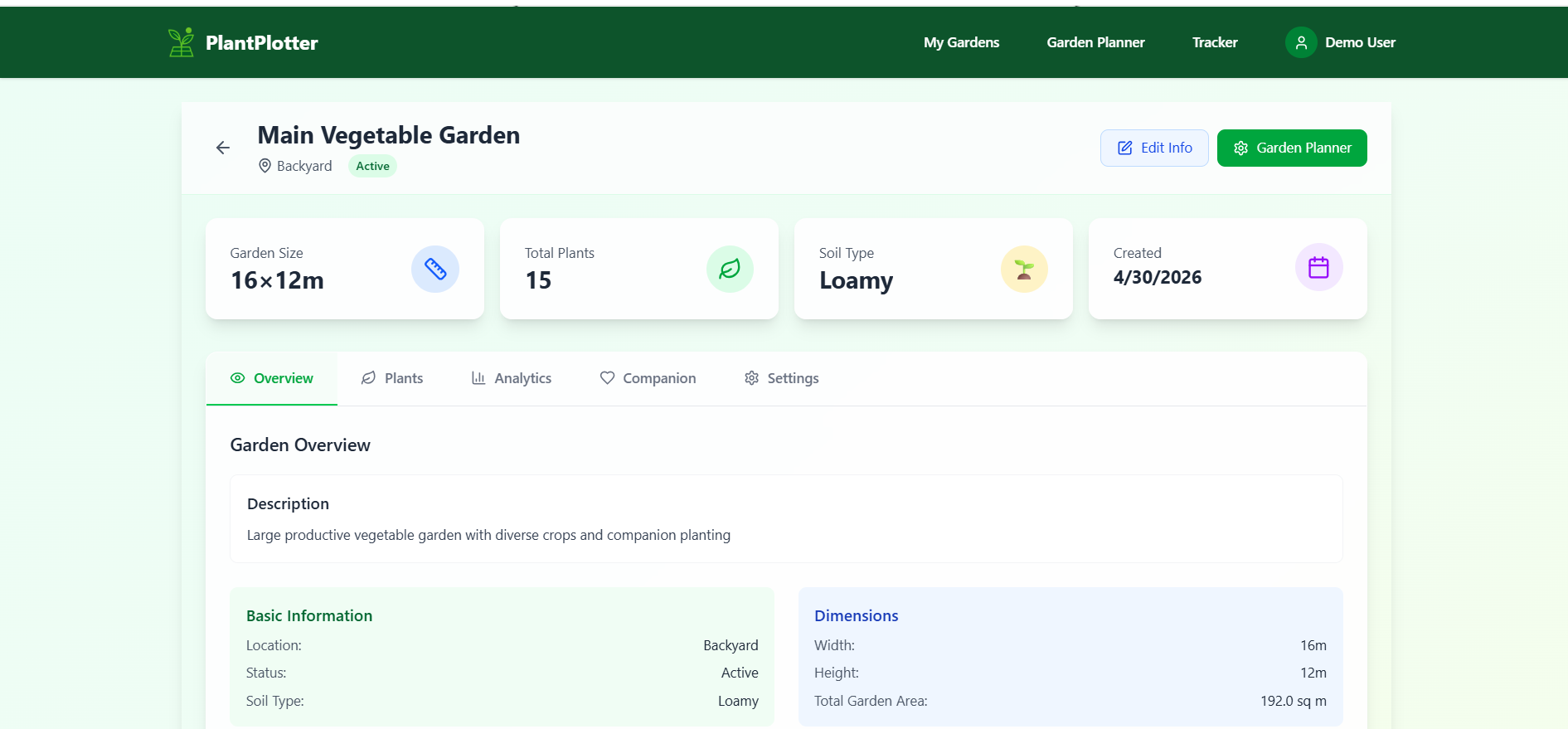
Garden details: overview, plants, analytics, and settings in one view. 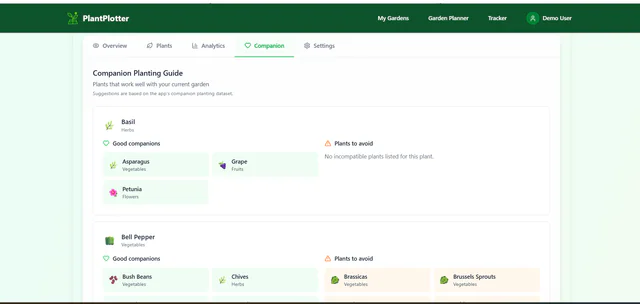
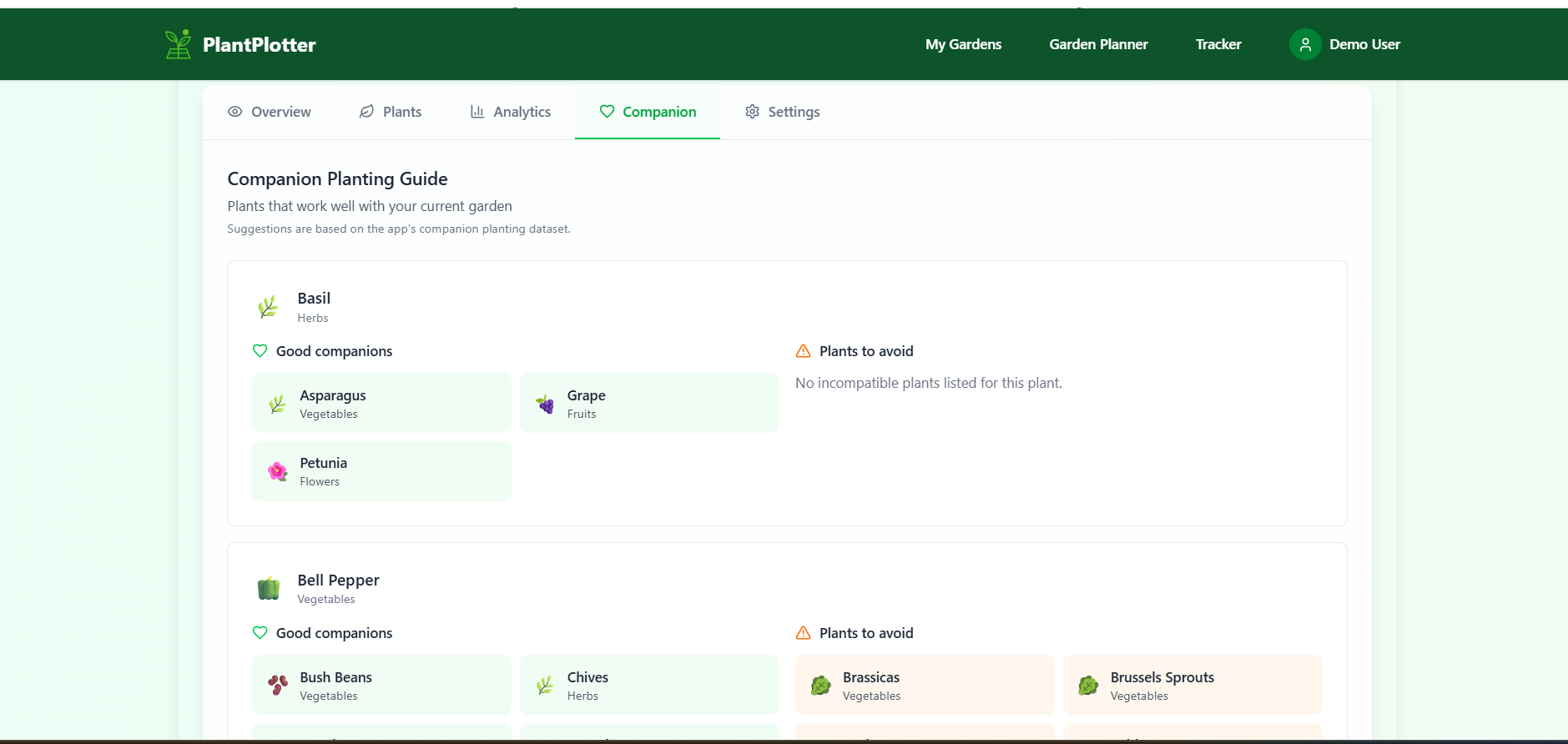
Companion guidance pulled from the plant dataset. 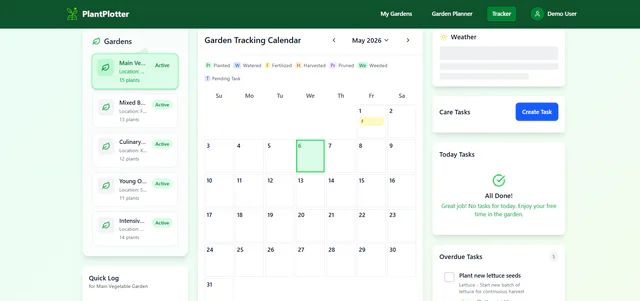
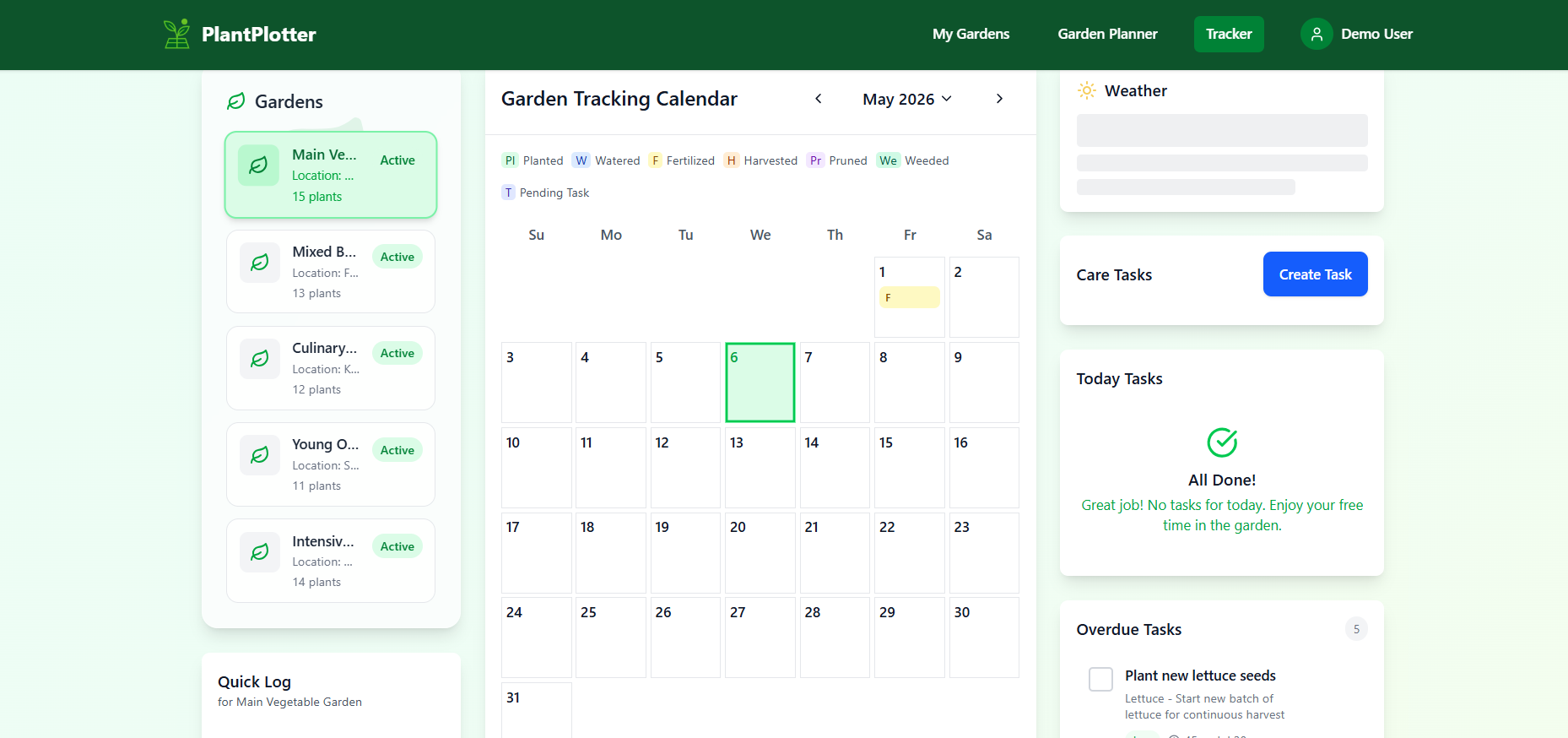
Tracker: calendar, today's tasks, overdue tasks, and weather context. 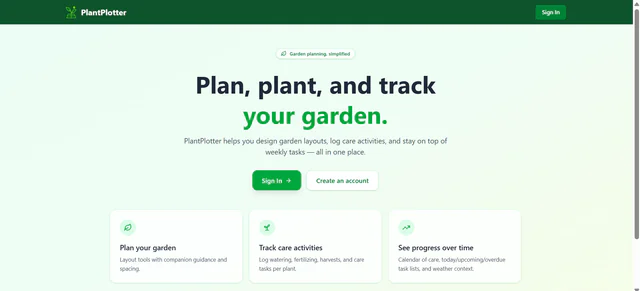
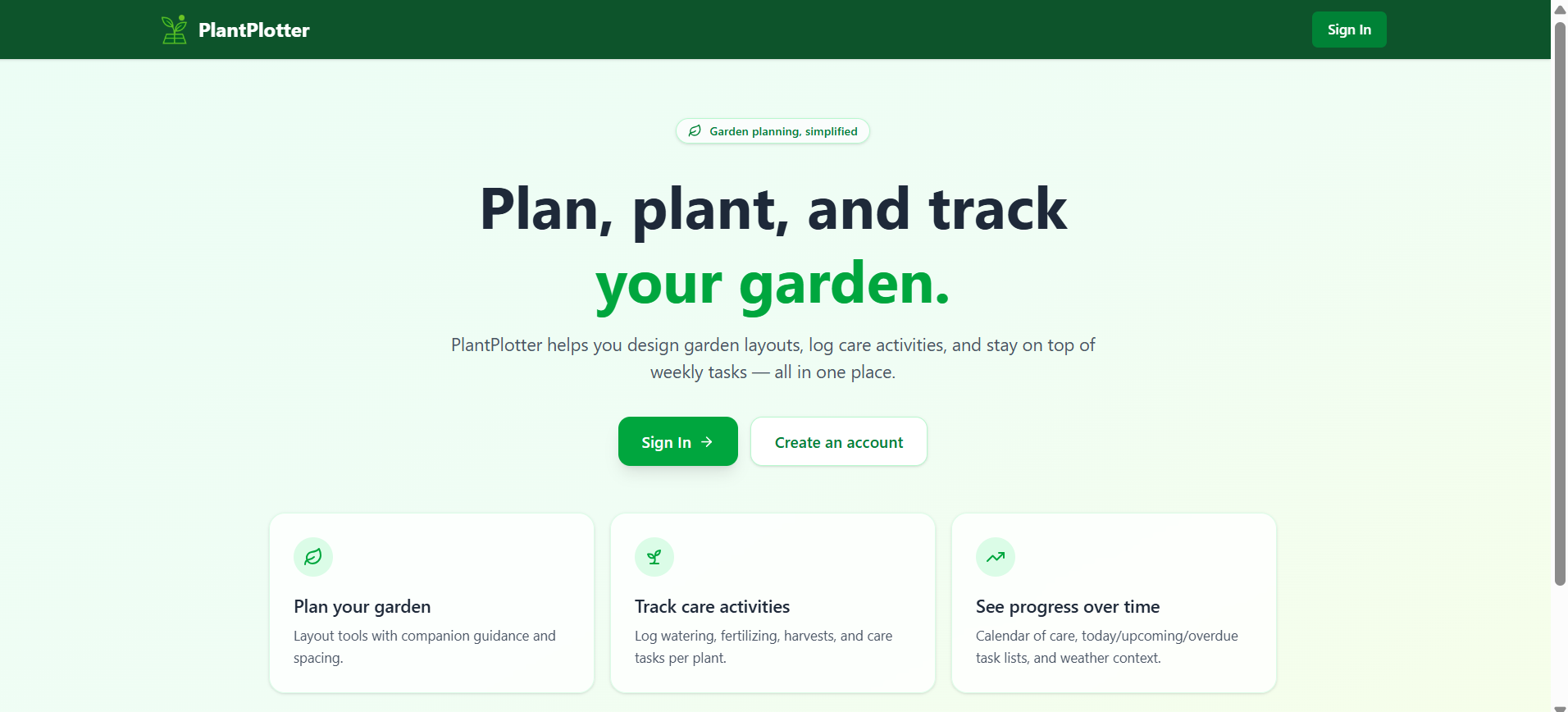
Landing page: public marketing entry point.
05 · Challenges
The main challenge was evolving an existing group project without destabilizing working features. I had to improve authentication, database consistency, transactional saves, validation, responsive interactions, and shared-demo safety while keeping the application deployable throughout the process.
06 · What I Improved
- Reworked authentication with email verification, safer password recovery, and session invalidation
- Improved planner reliability with transactional saves and safer garden deletion
- Refined tracker workflows, recurring tasks, care history, and failure recovery
- Improved mobile usability across the planner, modals, and garden-management flows
- Added stronger validation, automated tests, and production-focused security controls
- Built a protected user demo with deterministic data restoration
07 · What I Learned
- Designing frontend and backend validation as one consistent contract
- Using database transactions to protect multi-step destructive operations
- Building authentication flows around real failure and recovery states
- Prioritizing reliability and product polish over unnecessary architecture